BMW — cover
Back to Projects

BMW

An AI pipeline that turns BMW Figma frames into working UI prototypes for the car display, fast, consistent and on brand.

Role
AI · HMI
Duration
1 semester
Semester
SS 2026
Year
2026
01

Context

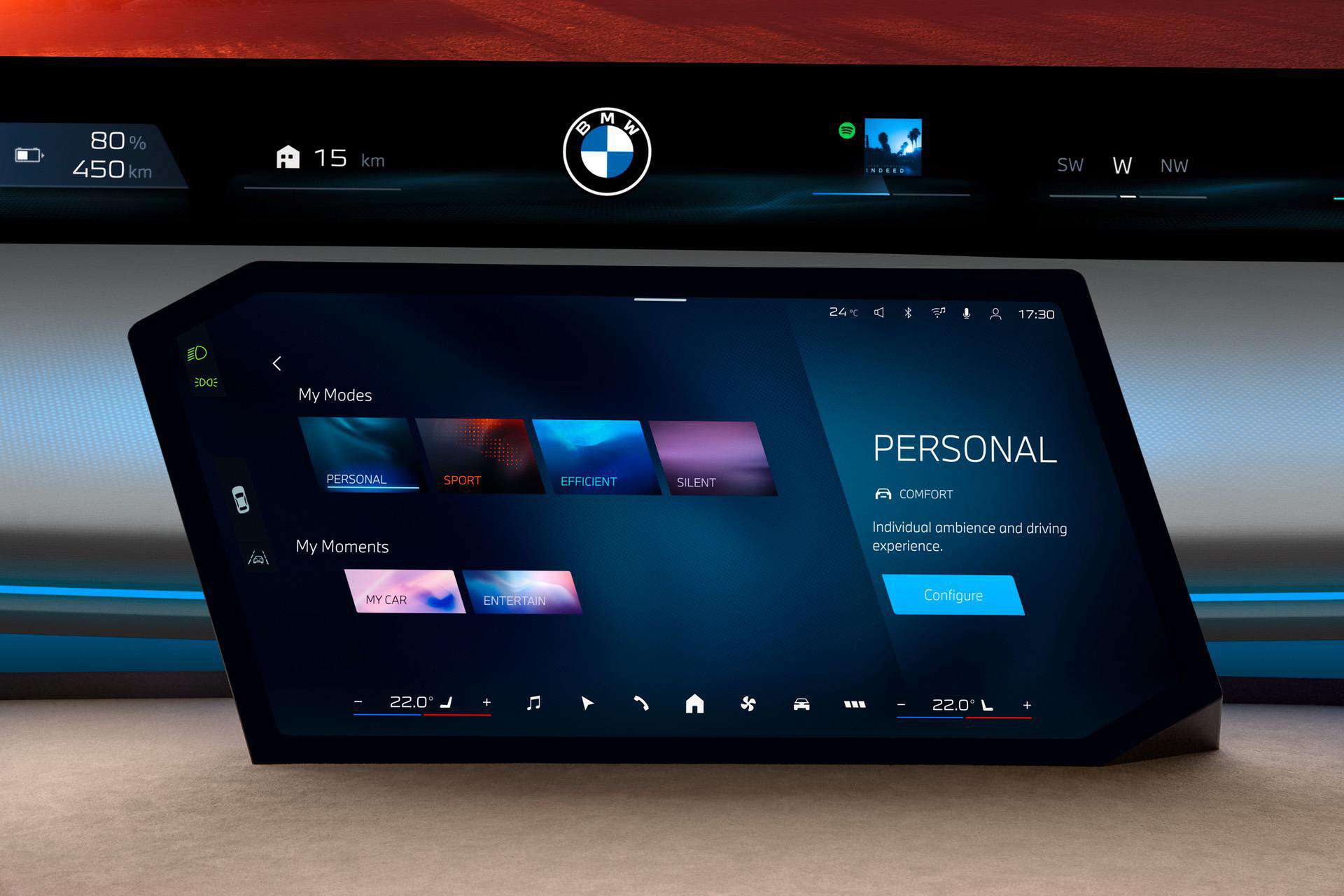
Fluid Prototyping is a team project exploring how AI can accelerate HMI design at BMW. The goal was to transform BMW design resources and Figma frames into working UI prototypes, quickly and consistently, so that designers can test ideas directly on the car display rather than waiting on engineering. It sits at the intersection of automotive interface design, design systems and generative AI.

02

Problem

“How might we enable designers with no coding experience to test their ideas efficiently on the car itself, while ensuring a result that stays true to the brand?” Designers can mock up screens in Figma, but turning them into functional prototypes that run on the car display means translating design into code by hand. That is slow, repetitive every sprint, and easy to drift away from BMW’s strict HMI guidelines around colour, contrast, typography, interaction zones and safety.

03

Solution

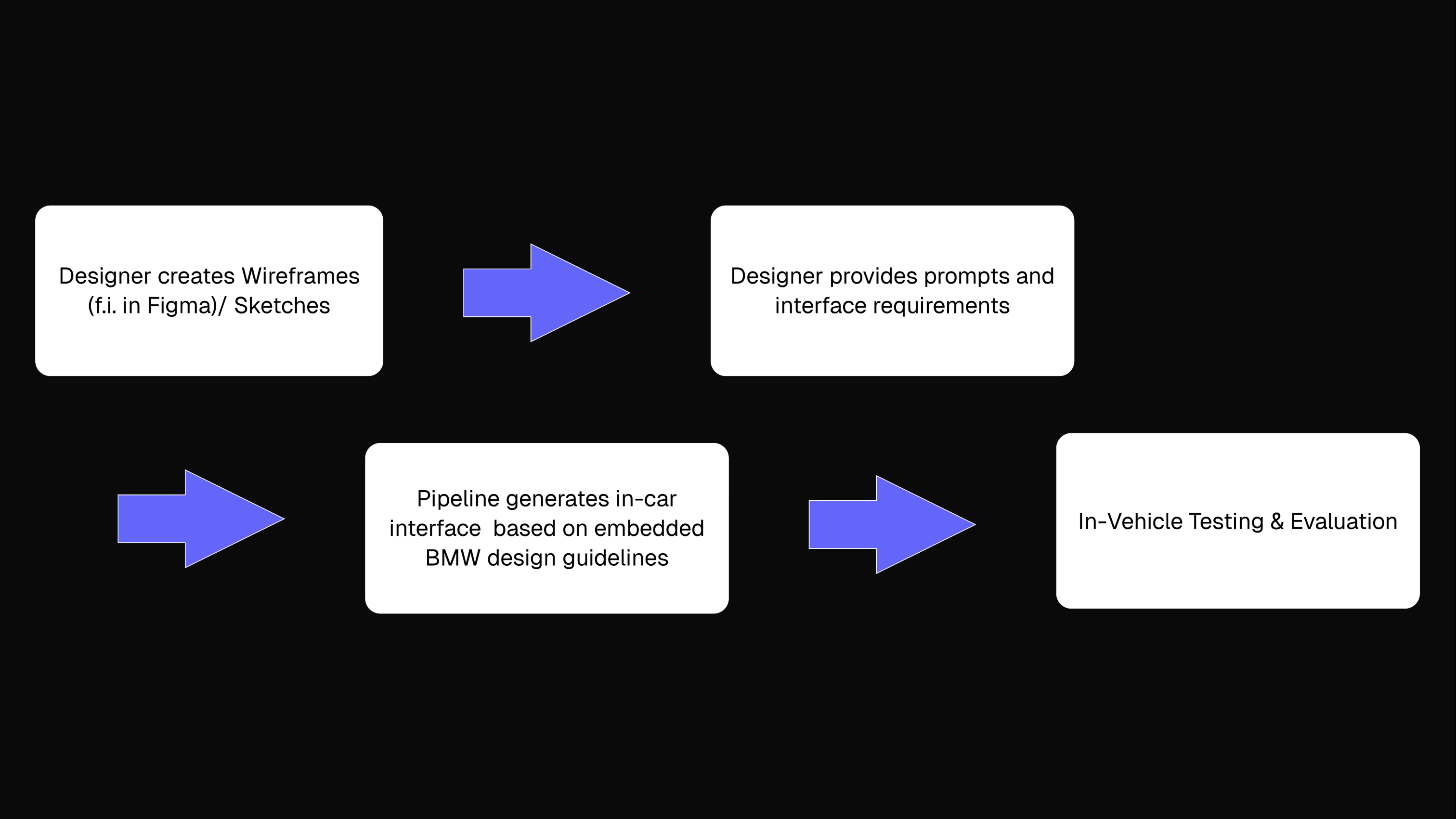
A token pipeline closes that gap: a designer selects a Figma frame and runs the pipeline. A Token Extractor parses the design tokens (colour, type, spacing, radius), an AI model classifies the content and applies BMW’s design guidelines automatically, and the system outputs a functional prototype with the correct structure and styling, ready to test on the display. The human keeps creative control (wireframing, prompting, evaluating, safeguarding brand consistency) while the AI handles the repetitive transformation and generates variations, making prototyping faster, less manual and scalable across the team.
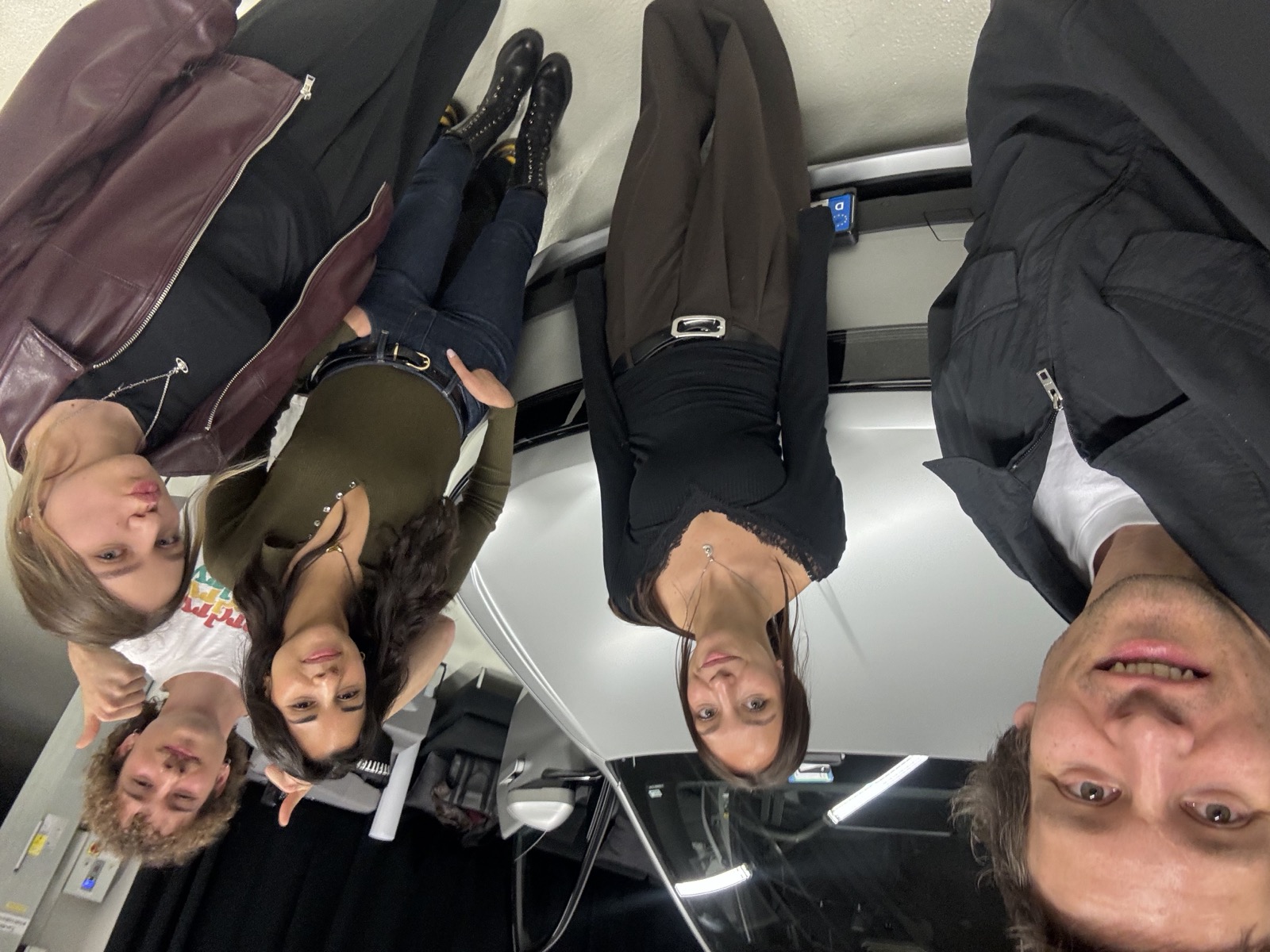
But first, a selfie

BMW — team
01

Faster Prototyping

Speed up ideation by generating functional prototypes directly from Figma frames.

02

Less Manual Work

Reduce repetitive design to code translation tasks across every sprint cycle.

03

Scalable Process

Build a reliable, consistent pipeline that any designer on the team can run.

04

Build the Design System

Step 01

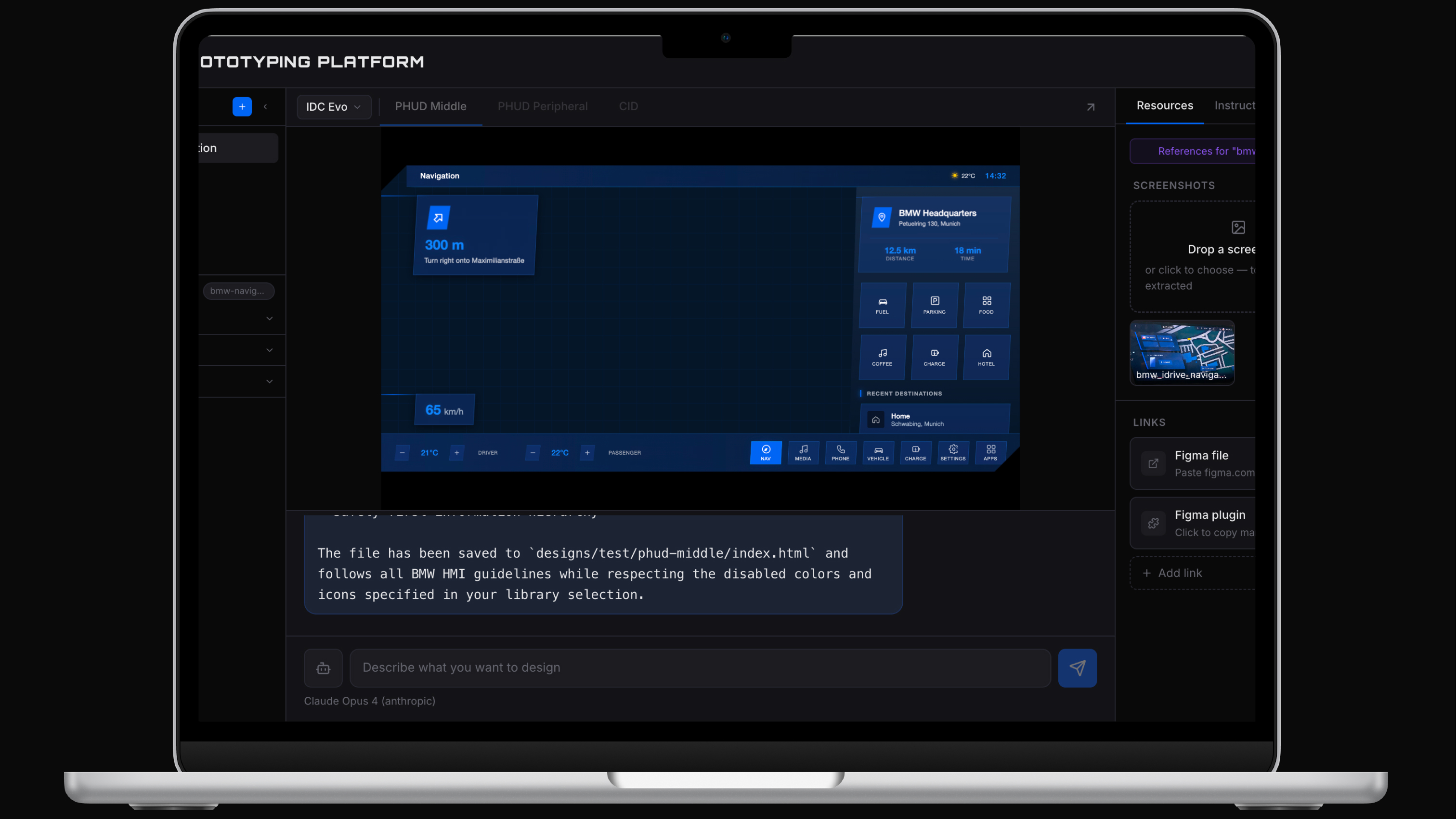
The designer creates the library in their agent of choice by dropping a screenshot, pasting a Figma URL, or using an existing one like the BMW HMI Library. Colours, typography and guidelines all live in one place.

05

Design in Figma

BMW — Design in Figma
Step 02

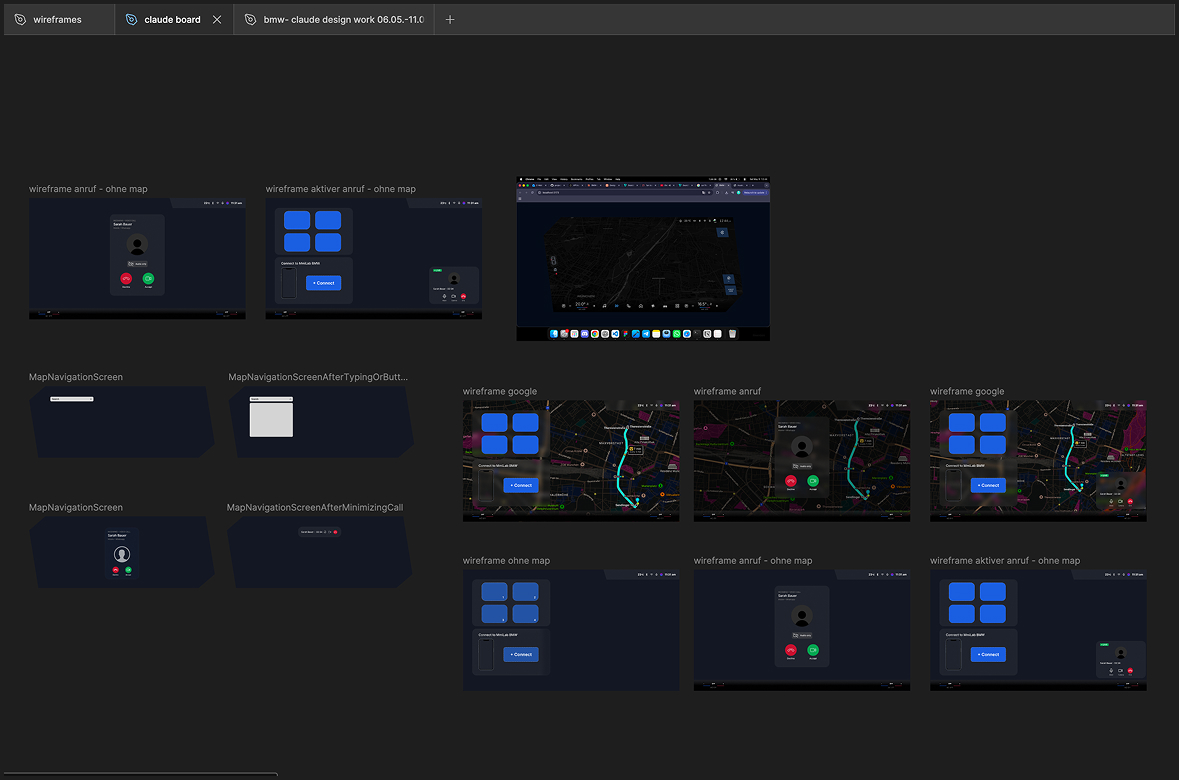
Wireframes are built in Figma desktop, no new tools, just the familiar environment. Each frame is structured to reference the design system from step one.

06

Generate with the Plugin

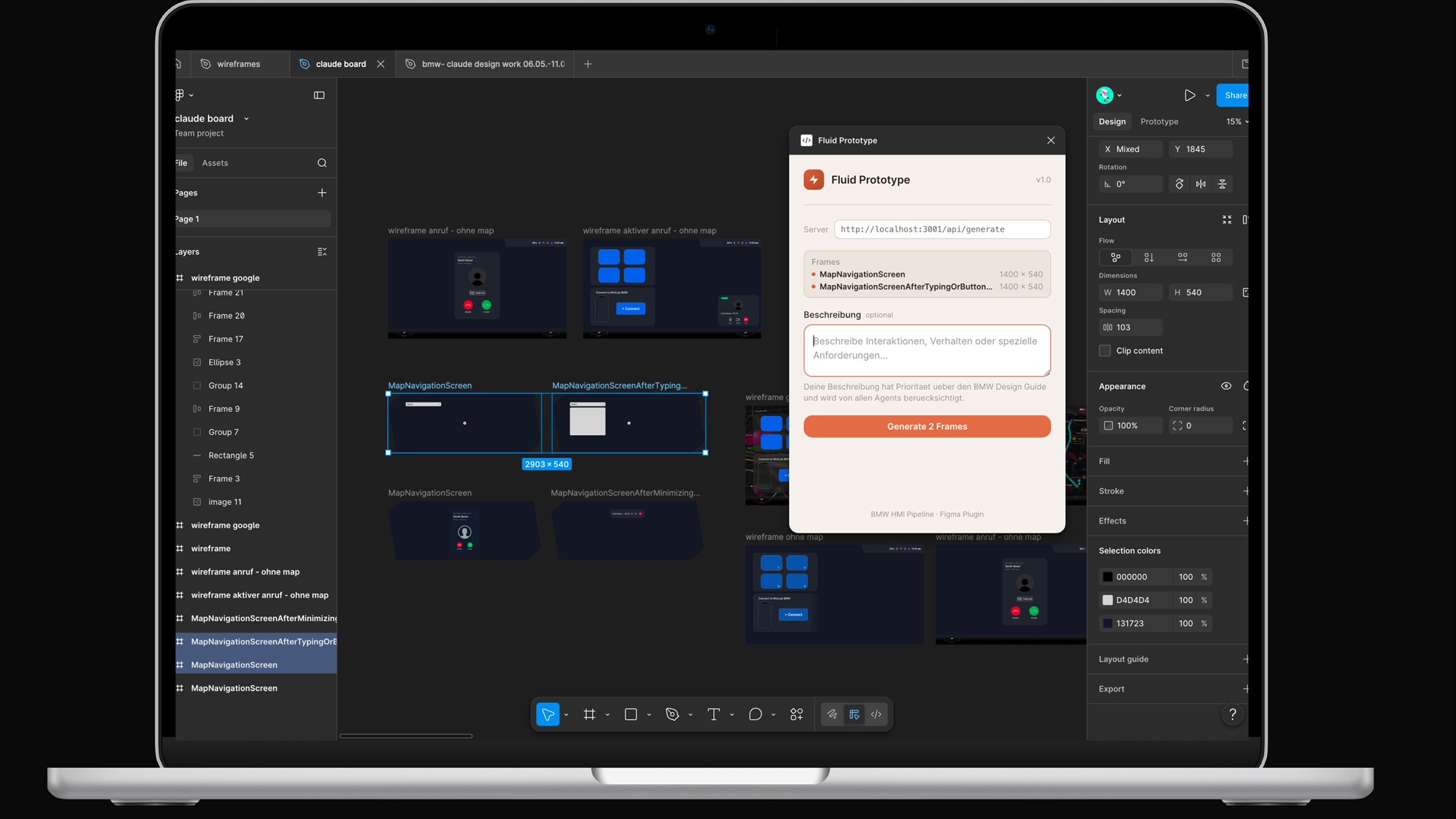
Step 03

The Figma plugin sends the frame tree to the agent. The agent renders it as HTML using only library variables, so the output stays on brand by construction.

BMW — Generate with the Plugin
07

Preview & Test

BMW — Preview & Test
Step 04

The HTML runs directly in the browser with no build step. The designer can click through the full flow and try it on the car display.

08

Iterate in Minutes

Step 05

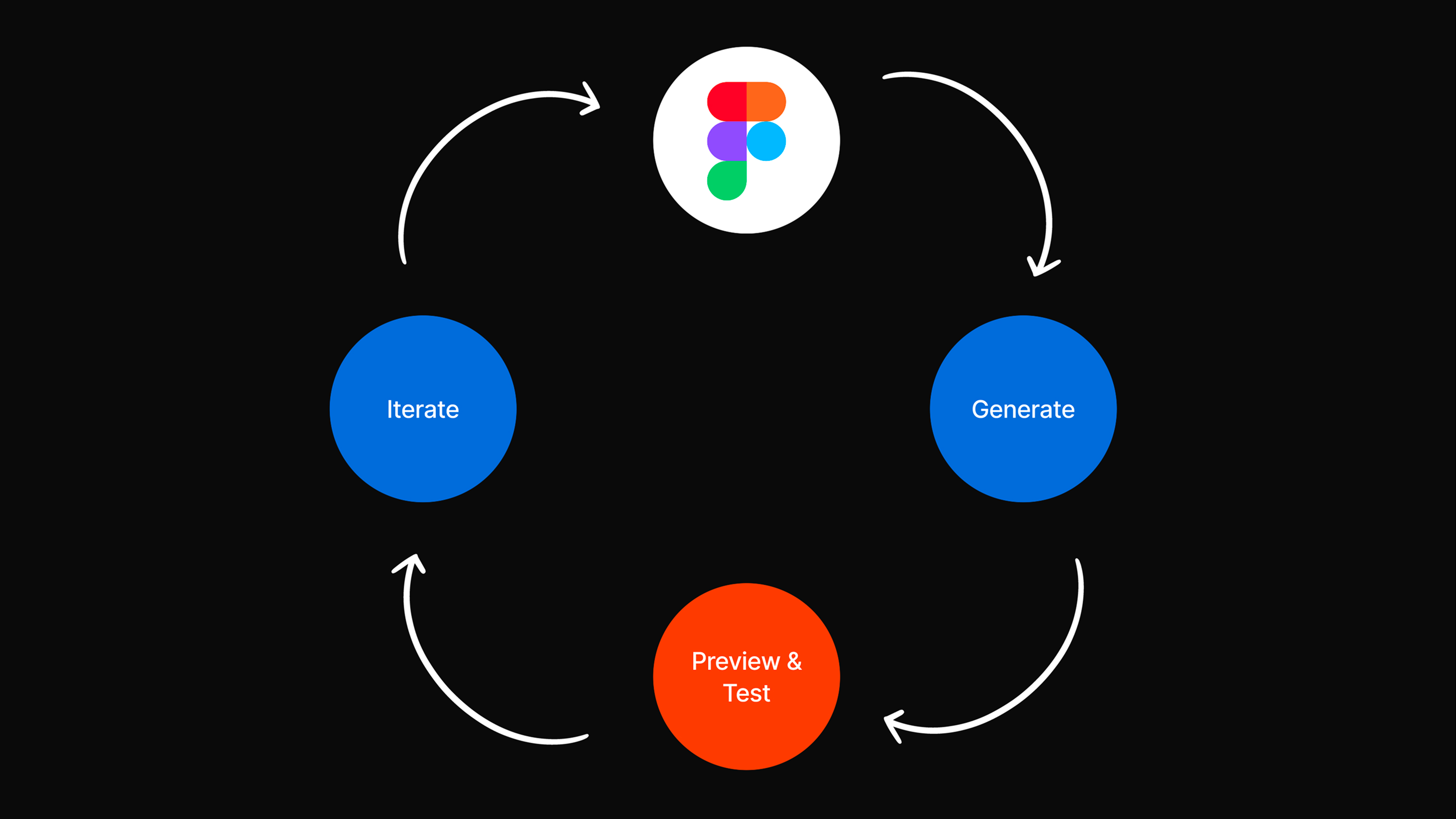
Edit the wireframe and regenerate, or just chat with your agent of choice: “make the card bigger.” The library sets the constraints, so every iteration stays consistent.

BMW — Iterate in Minutes
09

Human and AI Collaboration

BMW — Human and AI Collaboration
Behind the Scenes

The human keeps creative control: wireframing, writing prompts, evaluating results and safeguarding BMW brand consistency. The AI handles the repetitive work: transforming wireframes into UI, applying design guidelines automatically, and generating variations.

10

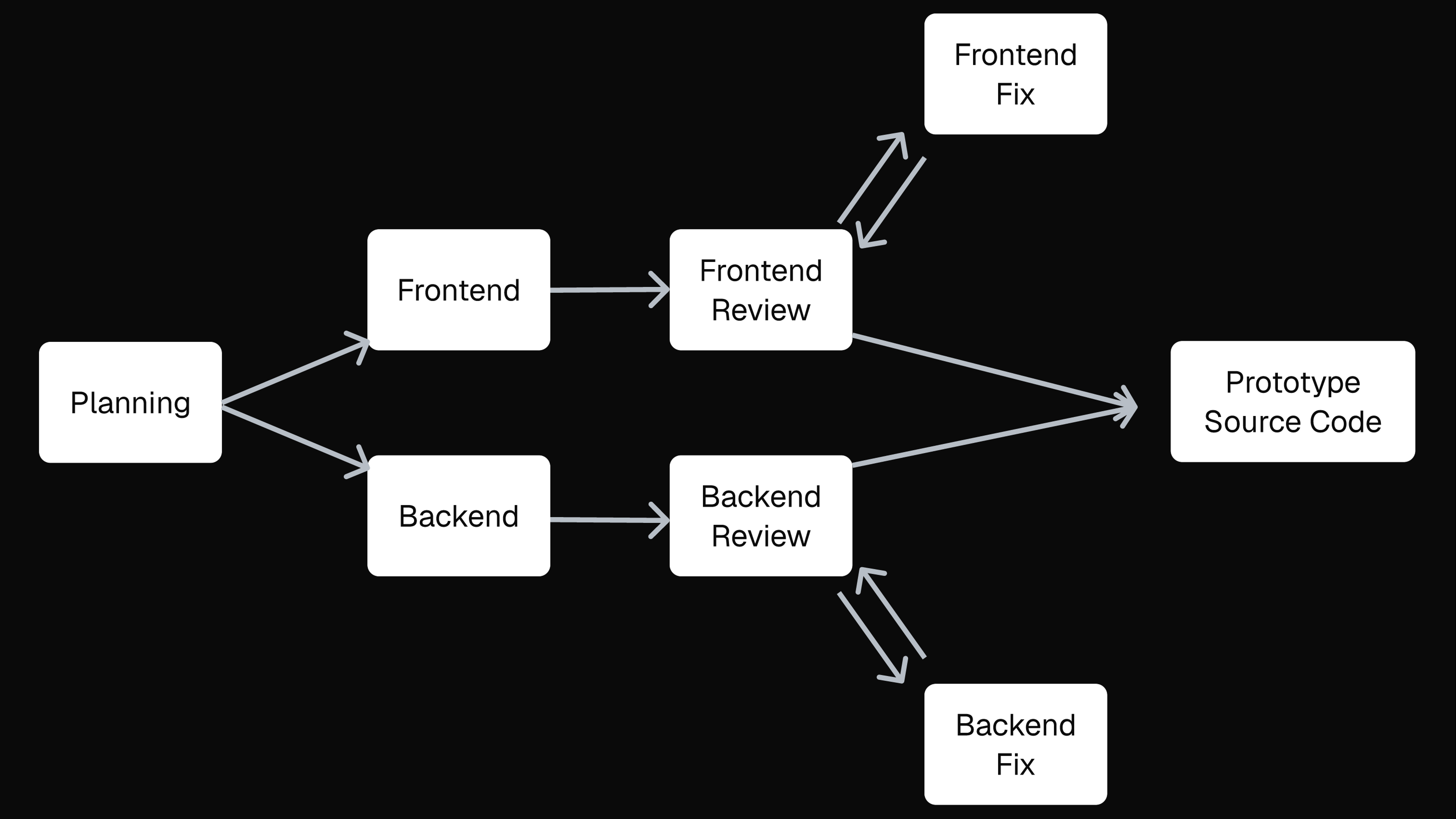
Agentic Setup

Architecture

Under the hood, a chain of specialised agents for planning, frontend and backend generation, review and fix collaborate to turn a single frame into clean prototype source code.

BMW — Agentic Setup
11

Testing the Agent

BMW — Testing the Agent
First Outcome

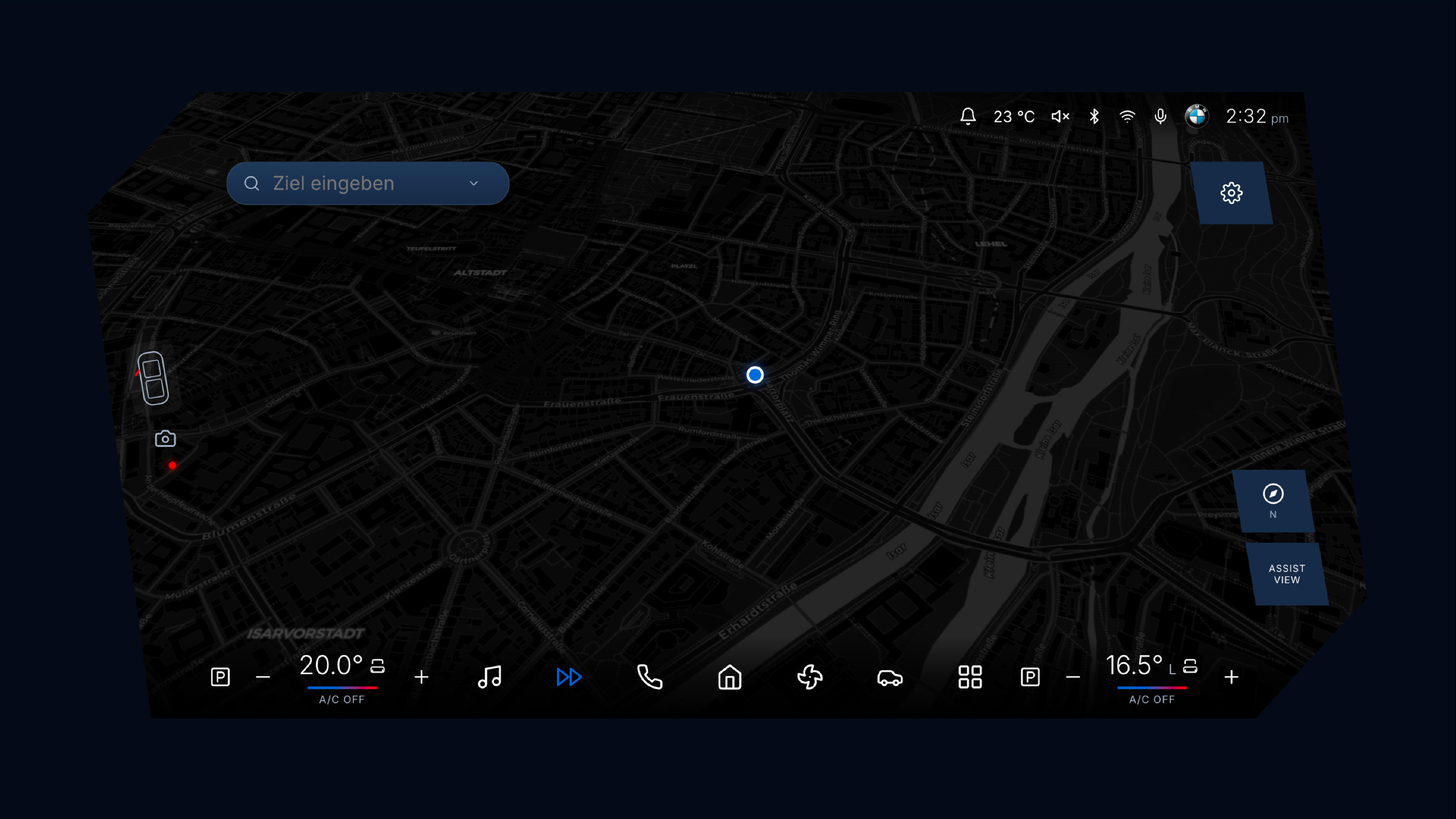
One of our first outcomes, focused less on how the result looked and more on what the agent actually did. We wanted to see how reliably the APIs connect, how well the design system gets used, and whether the agent stays inside the system or starts to reinvent and invent its own components.

12

Polishing & Testing

The project is still ongoing. We keep testing prototypes on the platform and training the agent, refining the pipeline and the BMW HMI library with every loop.

Tools & Technologies
FigmaFigma
+
ReactReact
+
Node.jsNode.js
+
GitGit